

Context & Mentions
Page context auto-attaches to every Judgment Agent message. Use @ to pin specific judges, behaviors, and automations.
Two sources feed every answer: the page context captured automatically, and any mentions added with @.
Page context
A snapshot of the current page attaches to every message. No re-pasting of trace IDs, judge prompts, or applied filters.
Supported surfaces: project home, traces, sessions, dashboards, monitoring views, judge editors, behavior pages, test runs, and test comparisons. Whatever's on screen (IDs, filters, time ranges, focused spans, draft prompts, selected entities) becomes part of the question.
The empty state surfaces page-specific suggested prompts. Examples: "What changed between runs?" on test comparisons, "Help me improve my judge prompt" on judge detail, "What looks suspicious?" on traces.
@ mentions
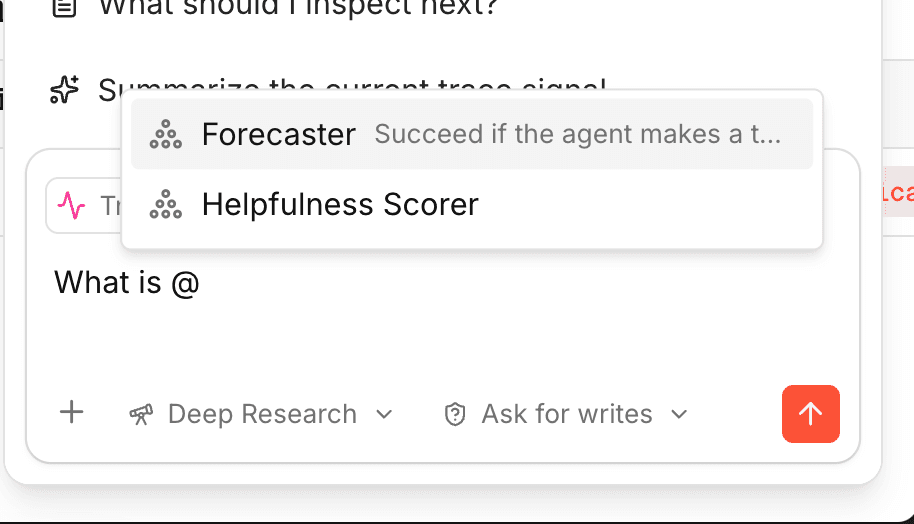
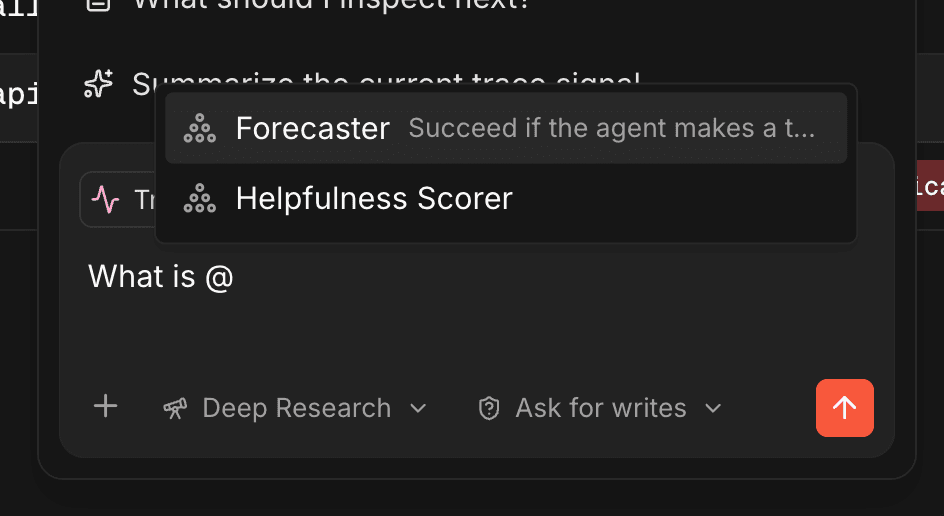
Type @ to pin an entity into the conversation. Mentions persist across turns; the agent reuses them in tool calls.
- Judges. Ask about a judge's prompt, score type, or recent firings.
- Behaviors. Investigate detection rate, false positives, or rubric edits.
- Automations. Ask why a rule fires or how to tighten it.
Inside a trace, the focused span attaches automatically through the page snapshot. The agent already knows which span is selected without needing an explicit mention.
Text quotes
Select text anywhere in the product and trigger Ask Judgment to attach the selection as a quoted reference. Useful for reacting to a specific span output, judge reason, or trace summary verbatim.