

Agent Behaviors
Set up behaviors to automatically tag traces based on the agent behavior.
With Behaviors, you can define and track agent behaviors, turning vague issues into clear, data-driven groupings of traces. Once you've tagged traces with behaviors, dive in to explore patterns and identify root causes.
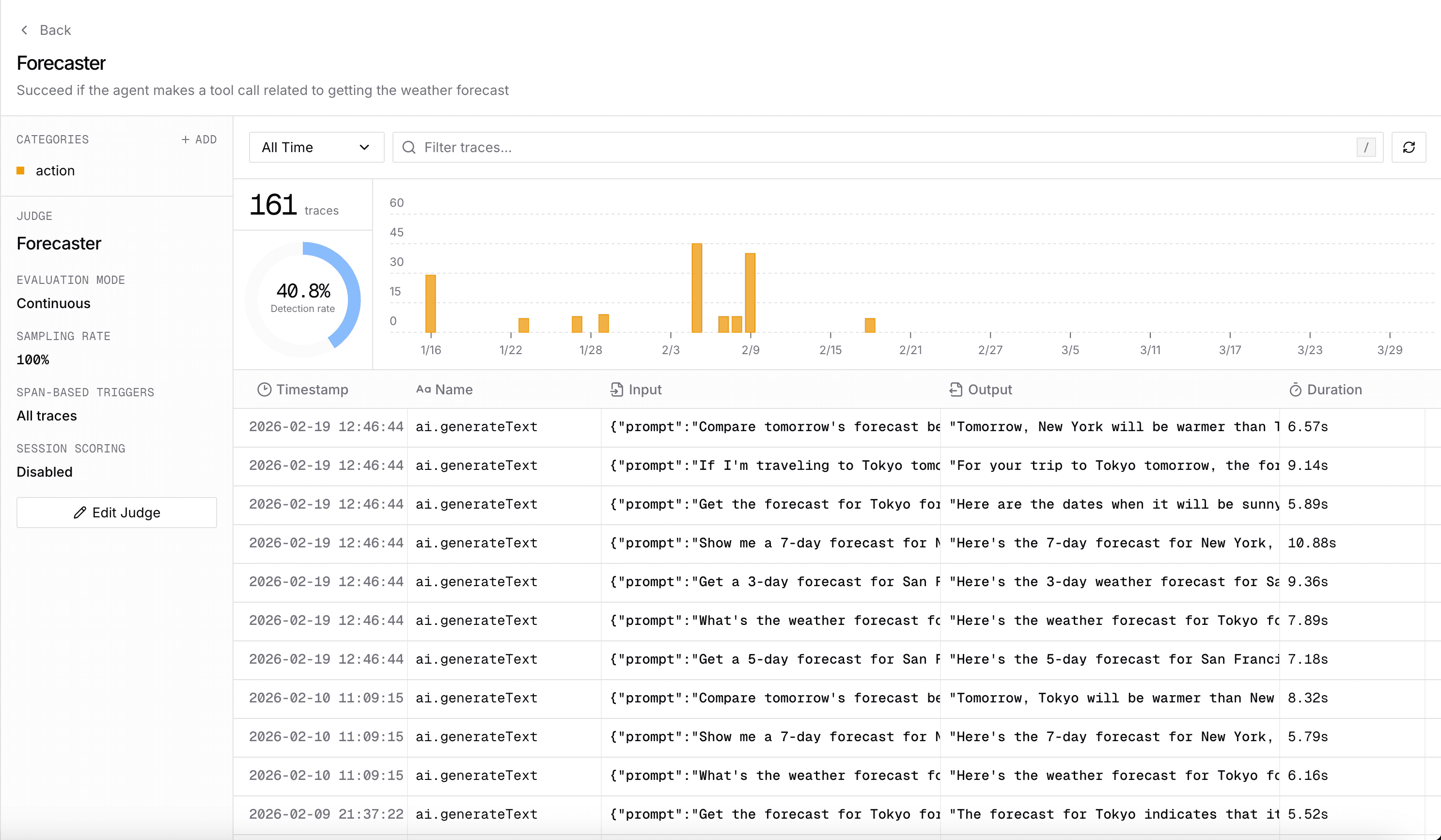
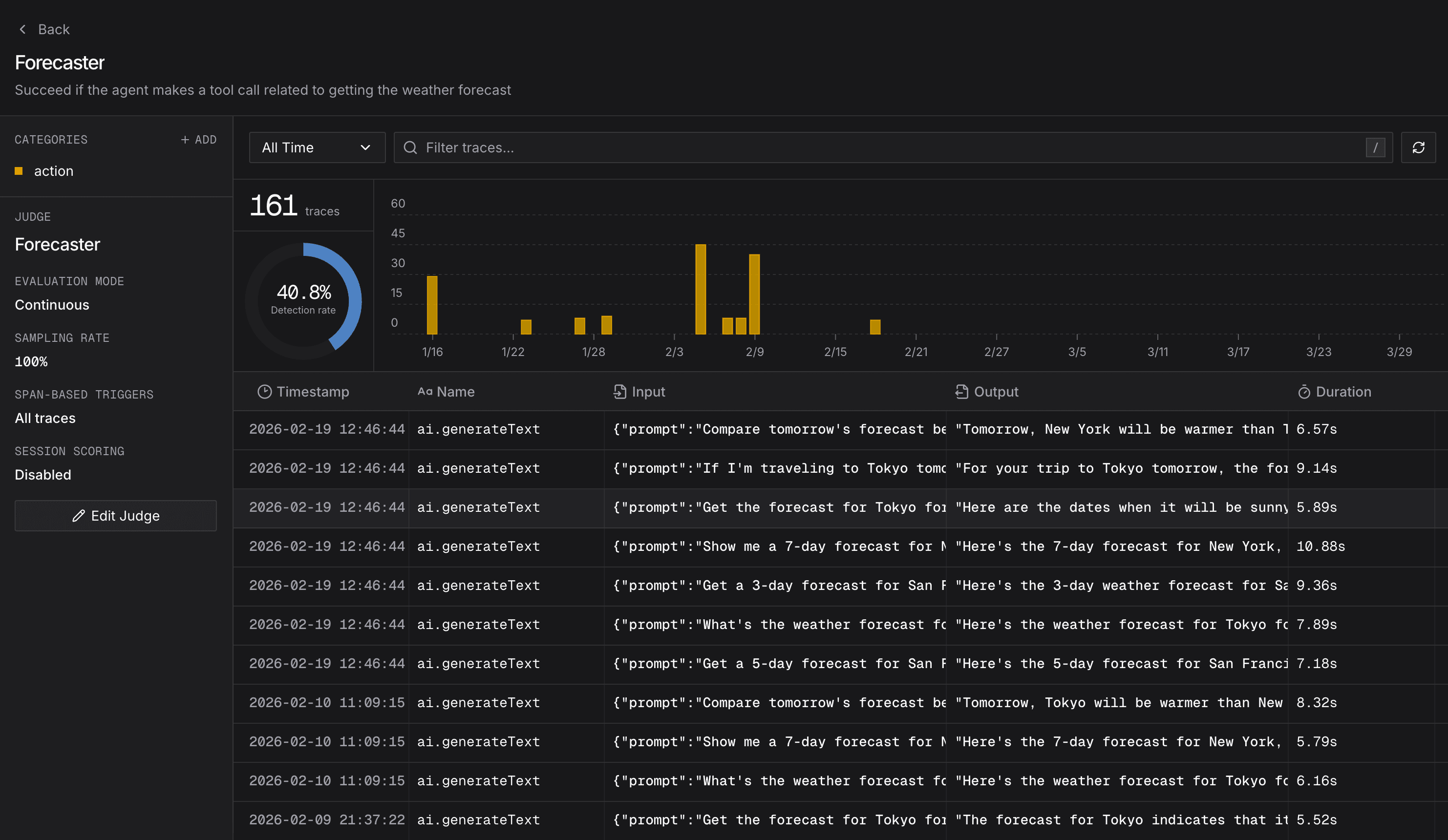
Getting Started with Behaviors
Click the Behaviors button in the sidebar.
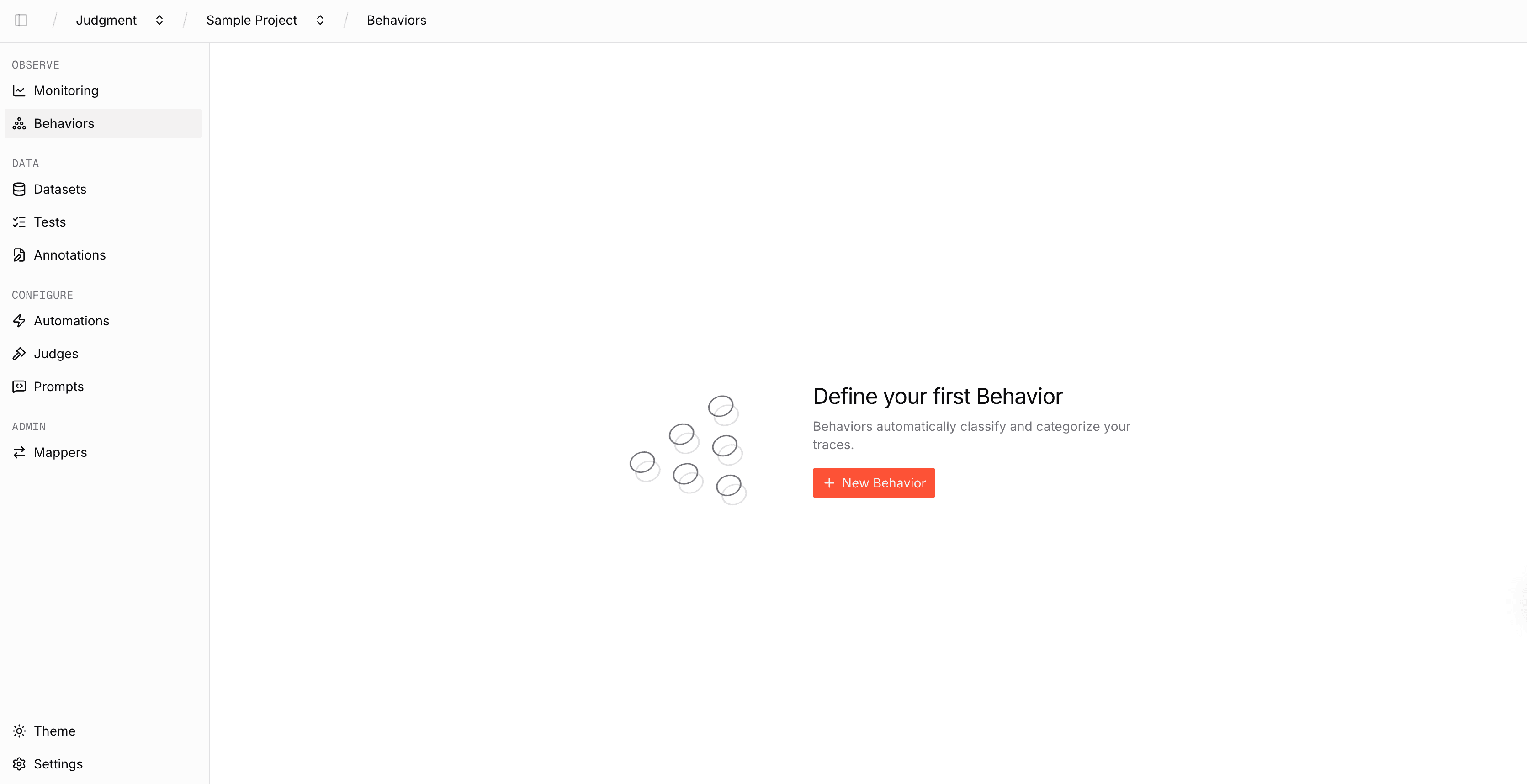
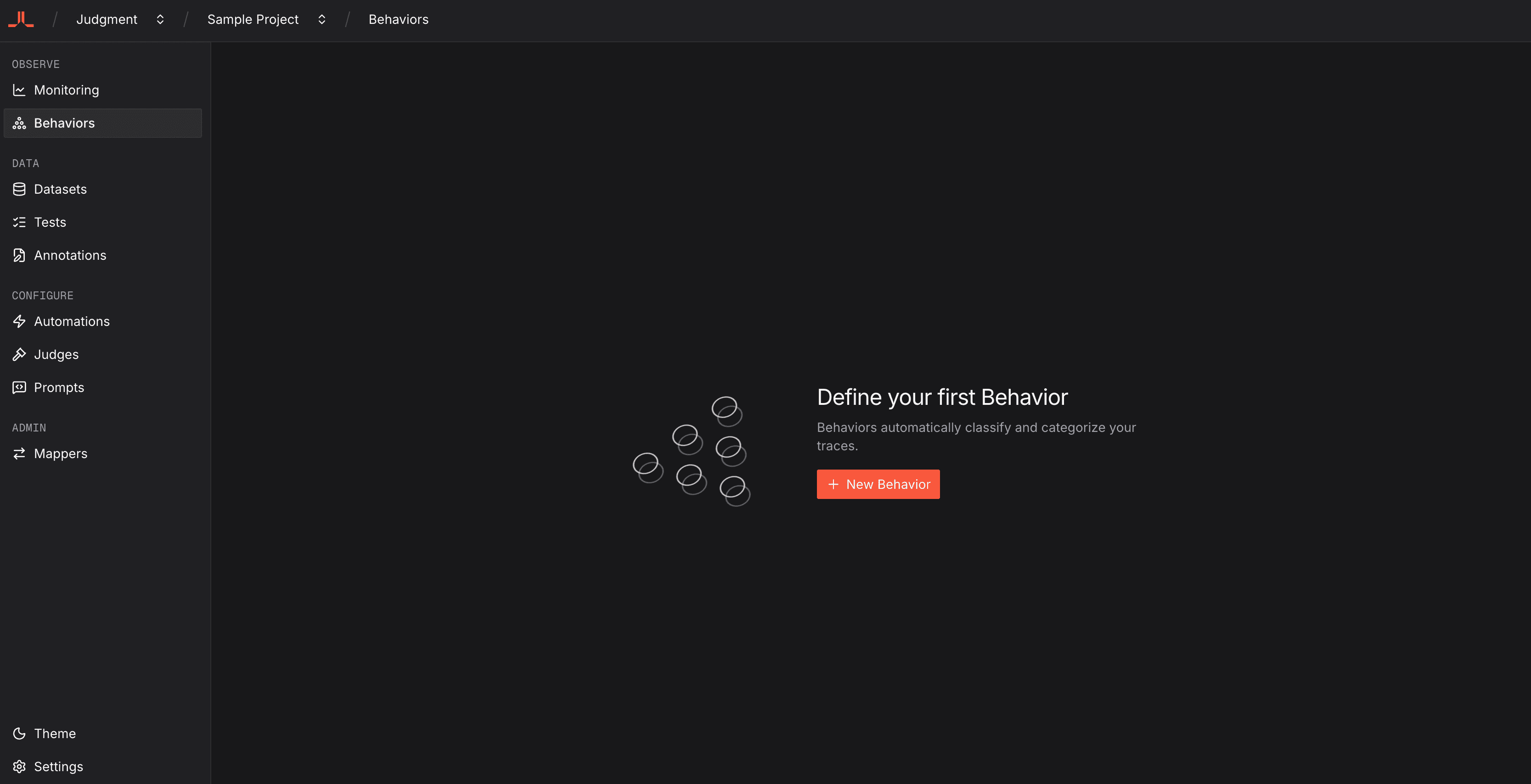
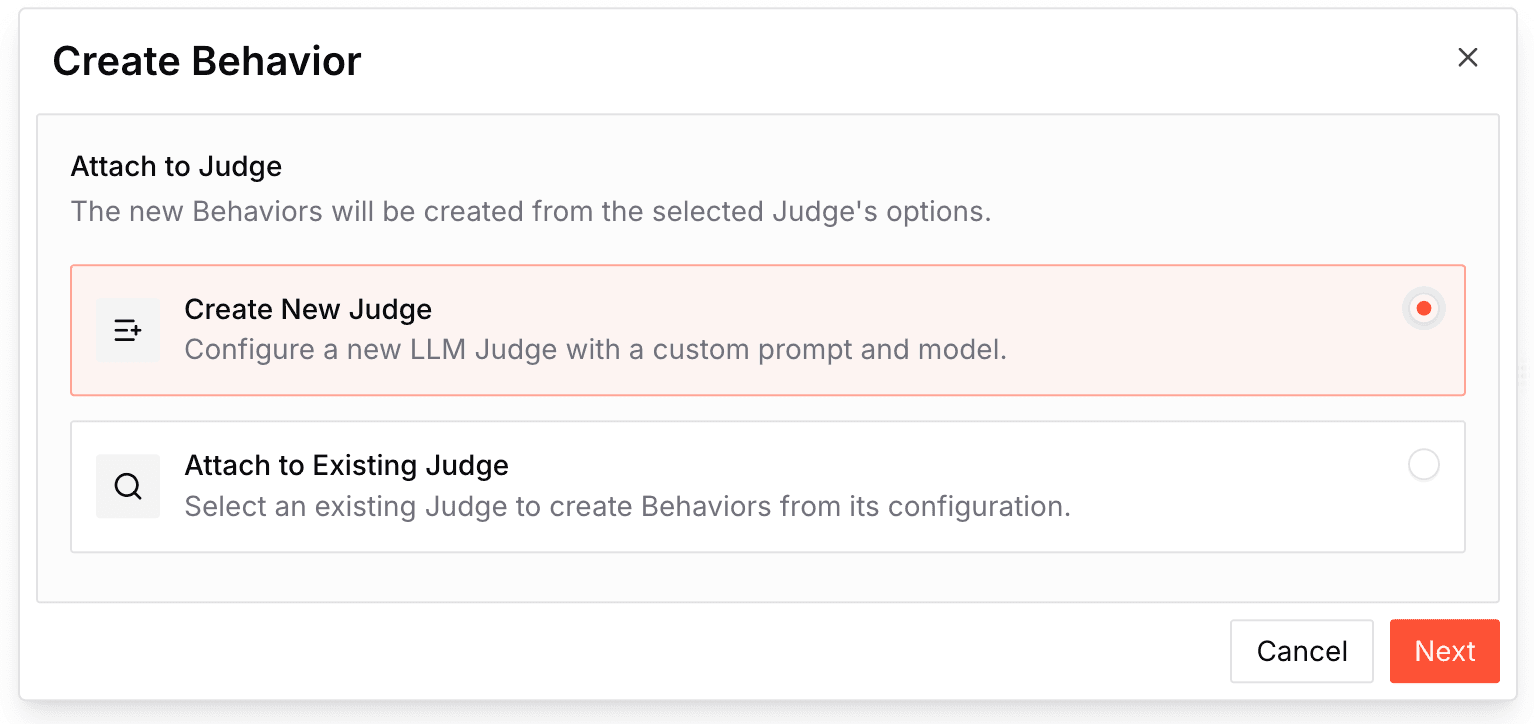
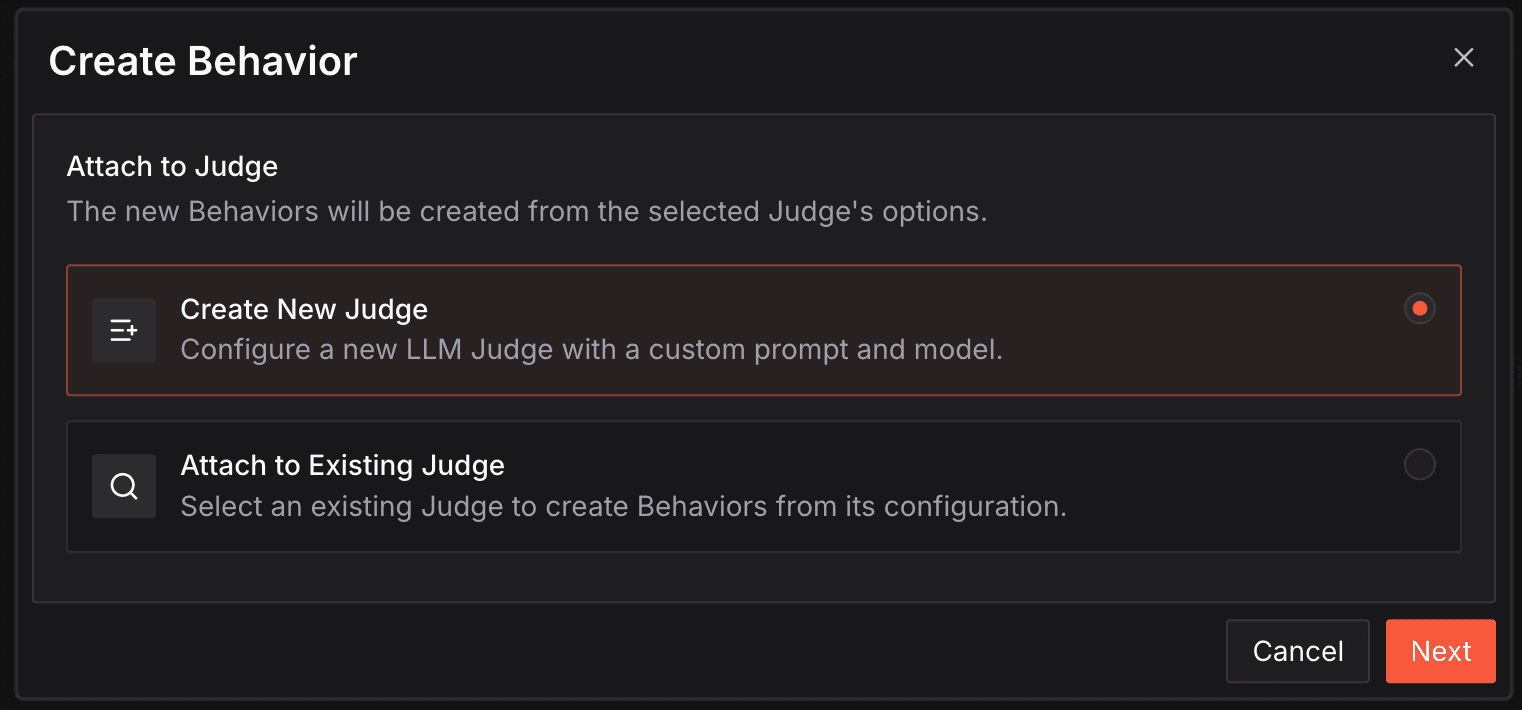
Click the New Behavior button and select whether you would like to create a new judge or create behaviors from an existing judge.
Once you have finished creating a judge or selecting an existing judge, you will be asked to verify your behavior.
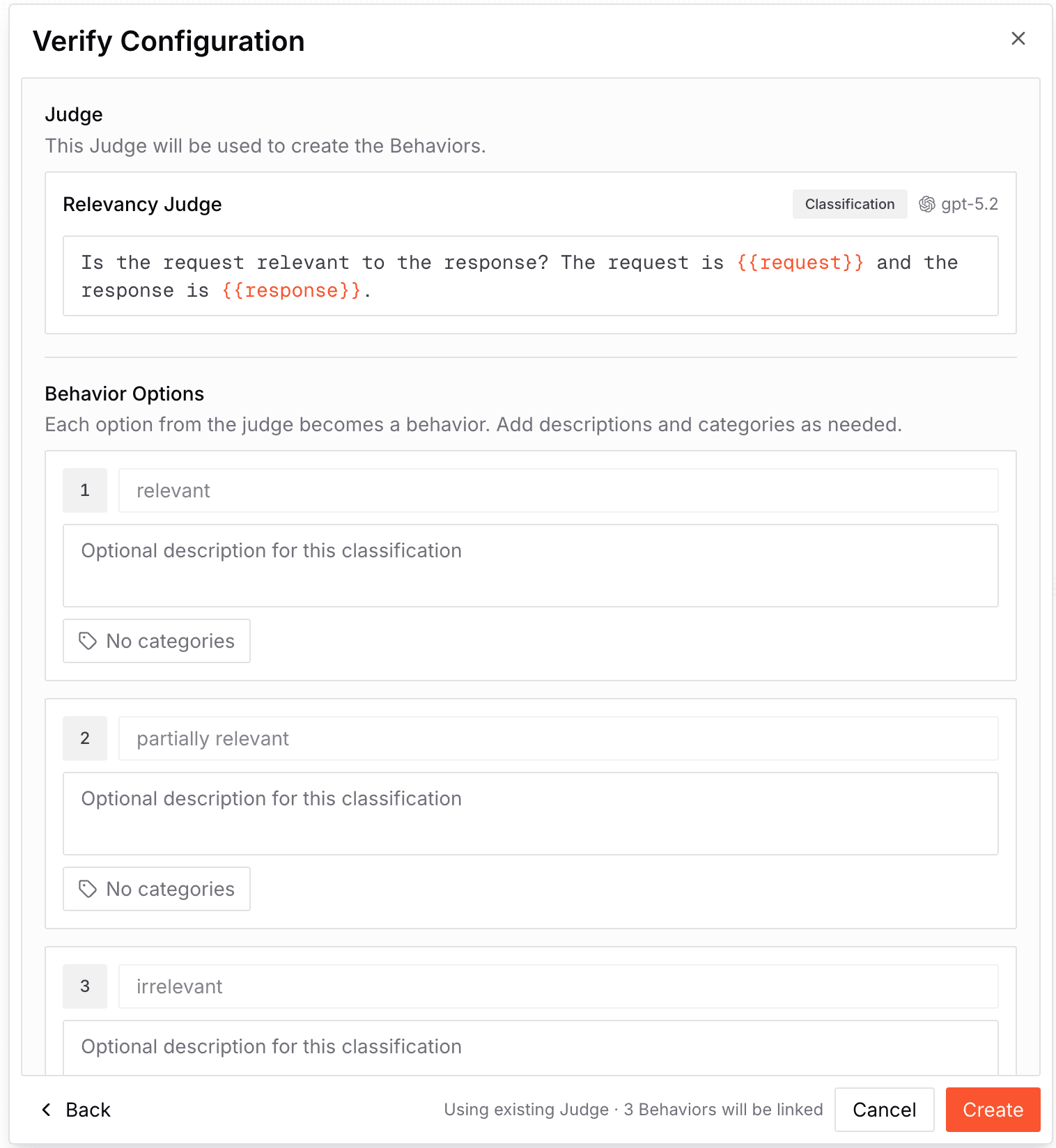
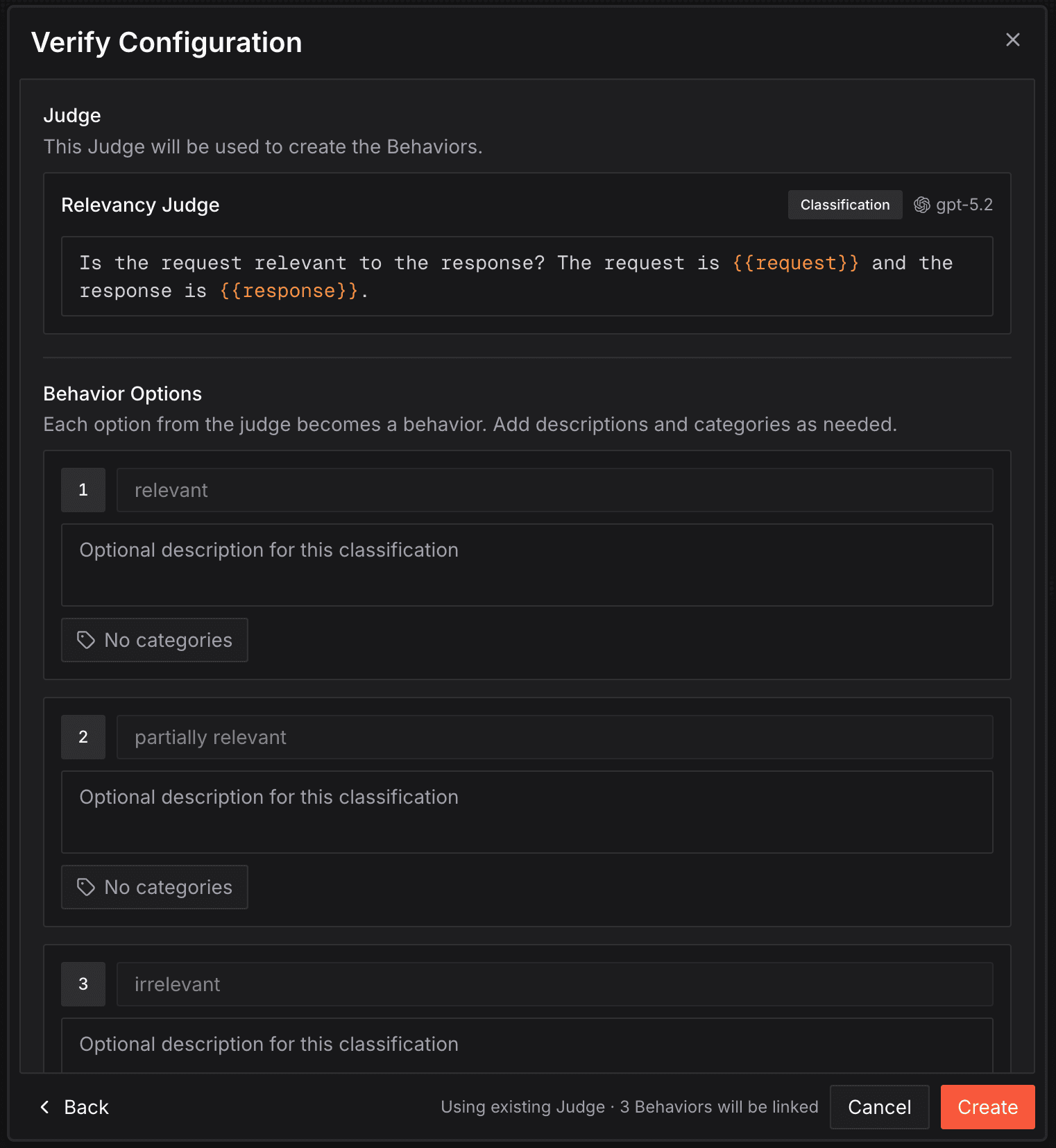
Once you click the "Create" button, that's it, your traces will automatically be getting tracked for these behaviors in real time!
Next Steps
- Issues - Automatically detect, triage, and resolve recurring production issues across your traces.
- Alerts - Configure alerts triggered on agent behavior to catch issues before they impact users.
- Tracer SDK Reference - Explore the complete Tracer API including span access, metadata, and advanced configuration.
- Agent Behavior Monitoring - Run real-time behavioral monitoring on your production agents with server-hosted scorers.
- Judgment Agent - Ask the in-product AI agent to debug a behavior, propose rubric fixes, or surface failure patterns from real firings.