

Offline Testing
Score a dataset with your judges — to align a judge to human judgment, or to catch agent regressions across model, prompt, and tool changes.
Offline testing scores a fixed dataset with one or more judges, off to the side of your live monitoring. You pair a dataset with judges once (a test config), then run it as many times as you like.
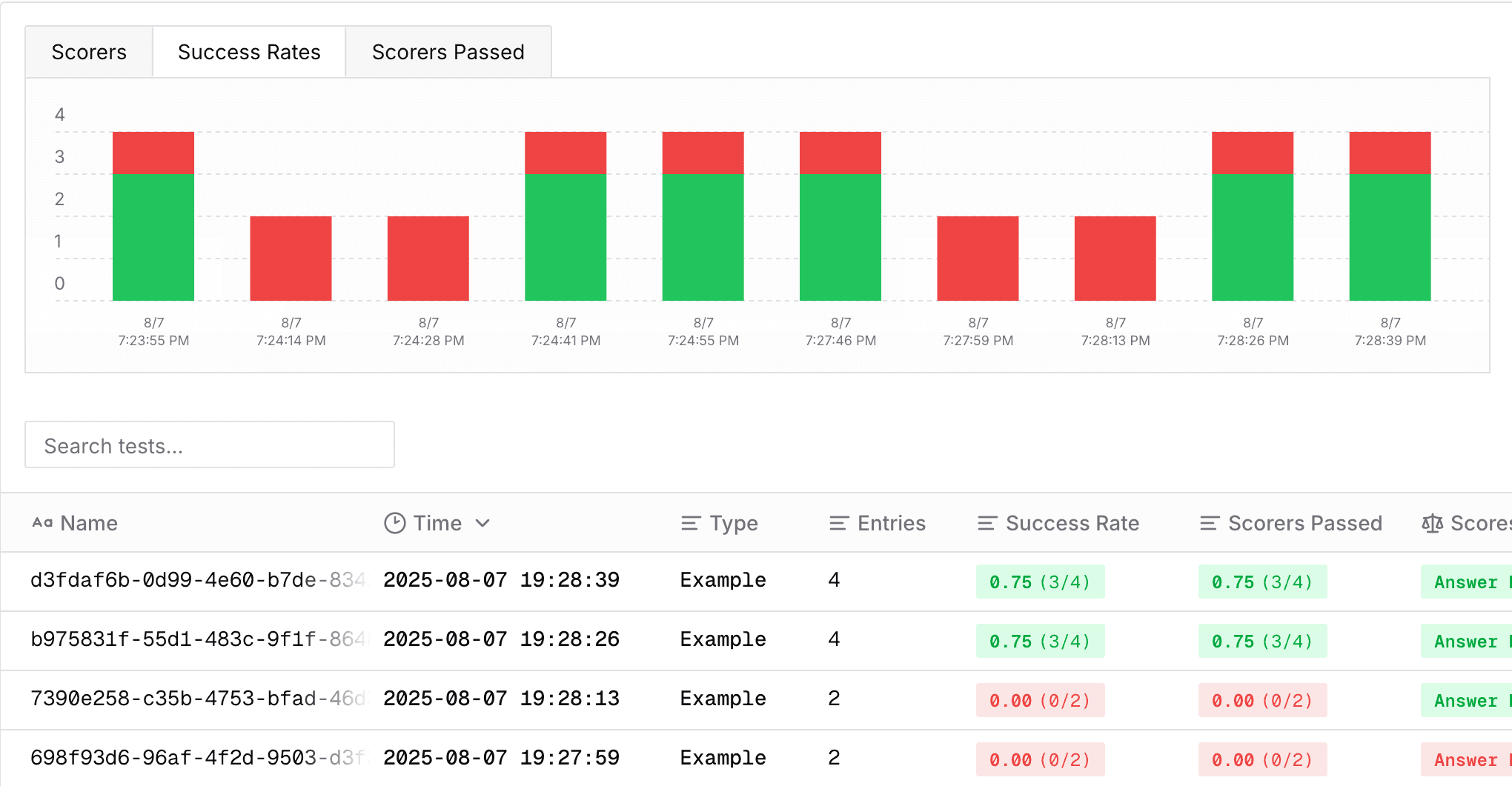

There are two core use cases:
- Judge alignment testing — make your judge better. Label a dataset of traces with the scores you expect, run your judge over them, and compare its scores to your labels to measure (and improve) how well it agrees with you.
- Agent testing — measure how well your agent performs over a fixed eval set, so you can iterate on model, system-prompt, or tool changes and catch regressions before shipping.
Concepts
- Dataset — a schema-enforced set of examples. Every dataset has a JSON Schema and every example is validated against it. A column may be declared
{"type": "trace"}to hold a trace id instead of literal data. - Test config — pairs one dataset with a set of judges. A judge is compatible when every placeholder in its prompt is a declared field in the dataset schema. Reusable: create once, run repeatedly.
- Test run — one execution of a test config against a dataset version. Judge scoring is queued server-side; results stream into the run page as they finish.
Judge alignment testing
Tune a judge to match human judgment: capture real traces, label them with the score you expect, then run the judge over them and compare. Disagreements show where the judge's prompt or rubric needs work — refine and re-run until it aligns.
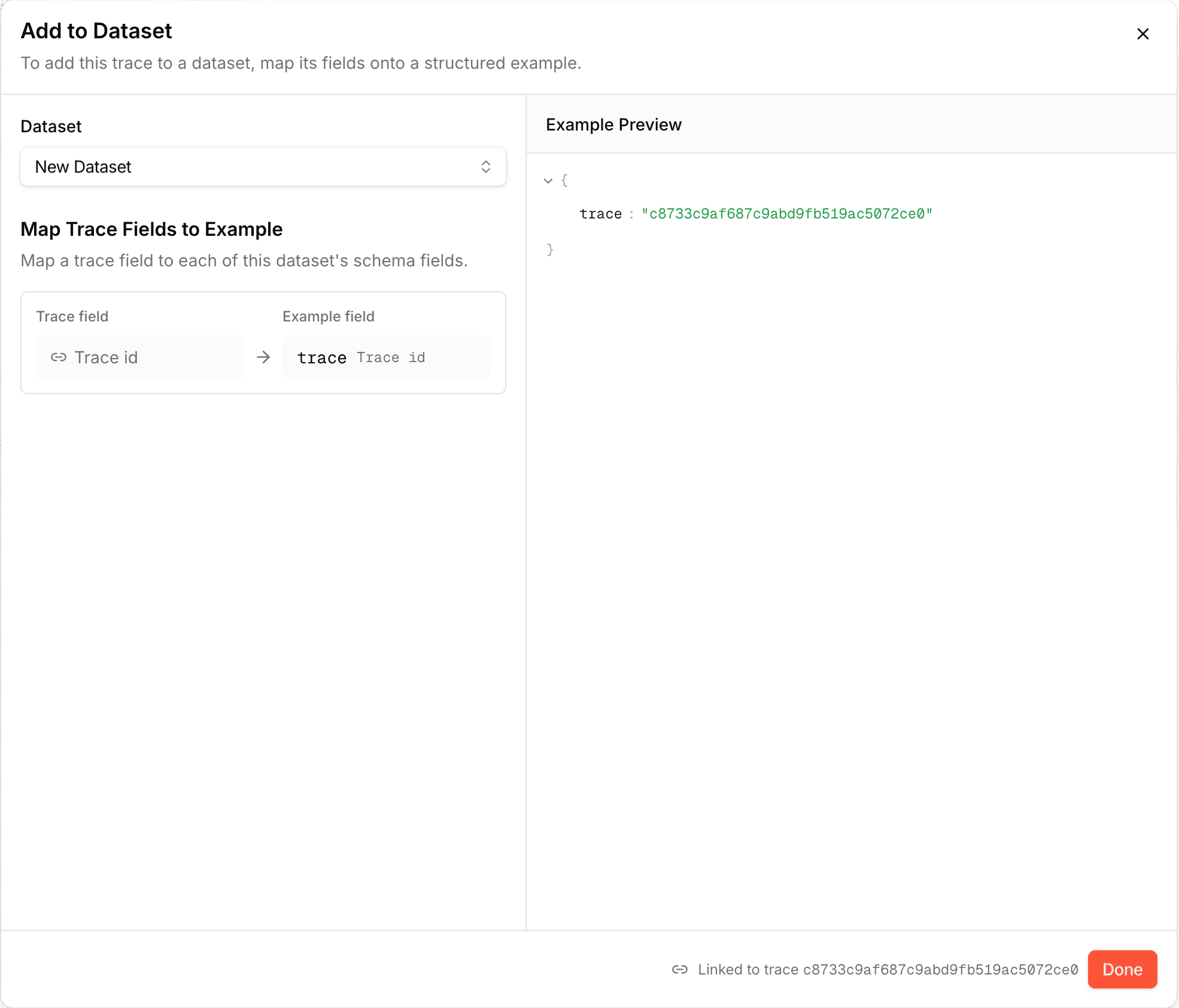
Collect traces into a dataset
From the Traces page in Monitoring, add the traces you want to evaluate to a dataset — it gets a trace-typed column holding each trace id. See Datasets.
Label the dataset
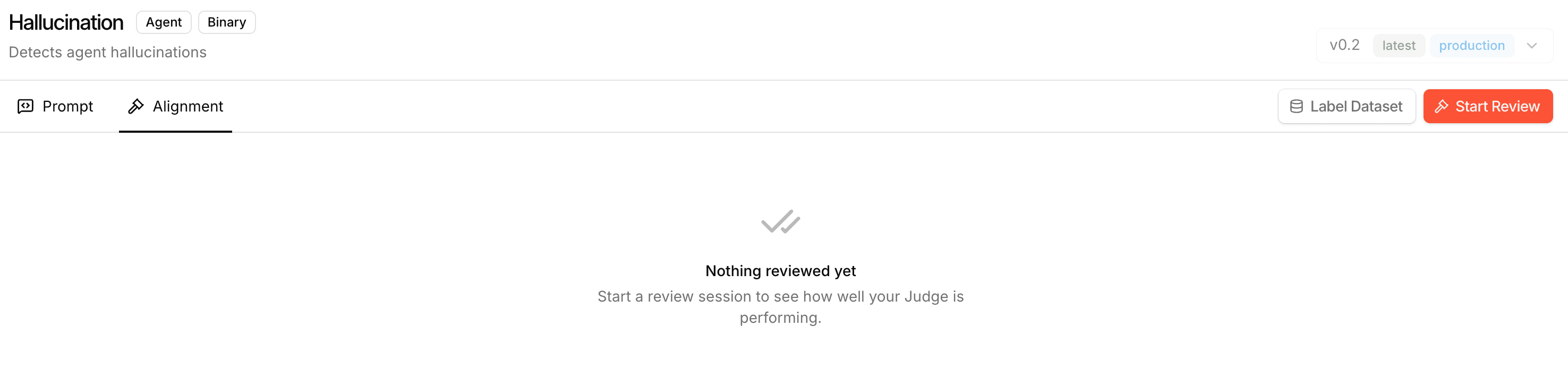
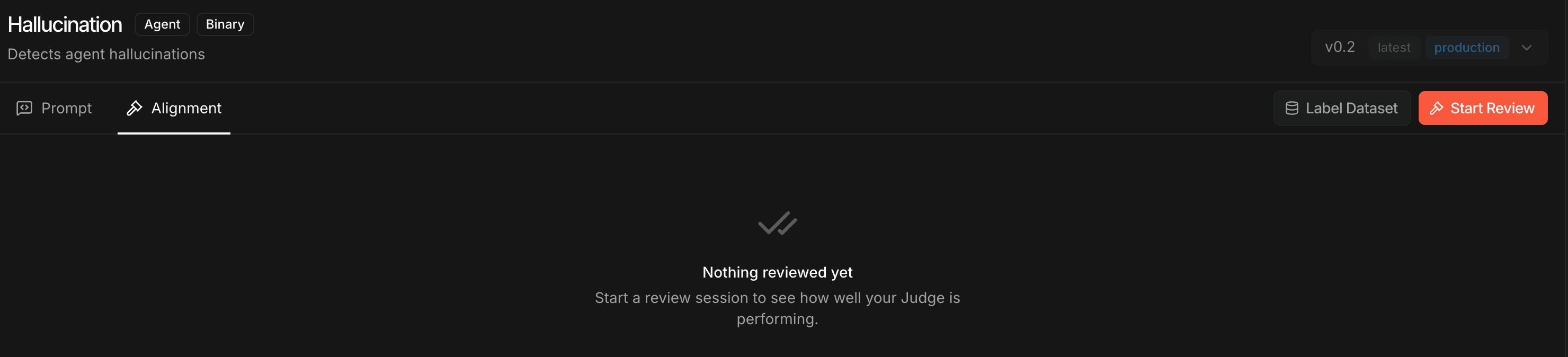
Open the judge, go to the Alignment tab, and click Label Dataset. Pick the dataset and give each example the score you expect — the ground truth. Your labels are stored alongside the examples.
Run the judge and compare
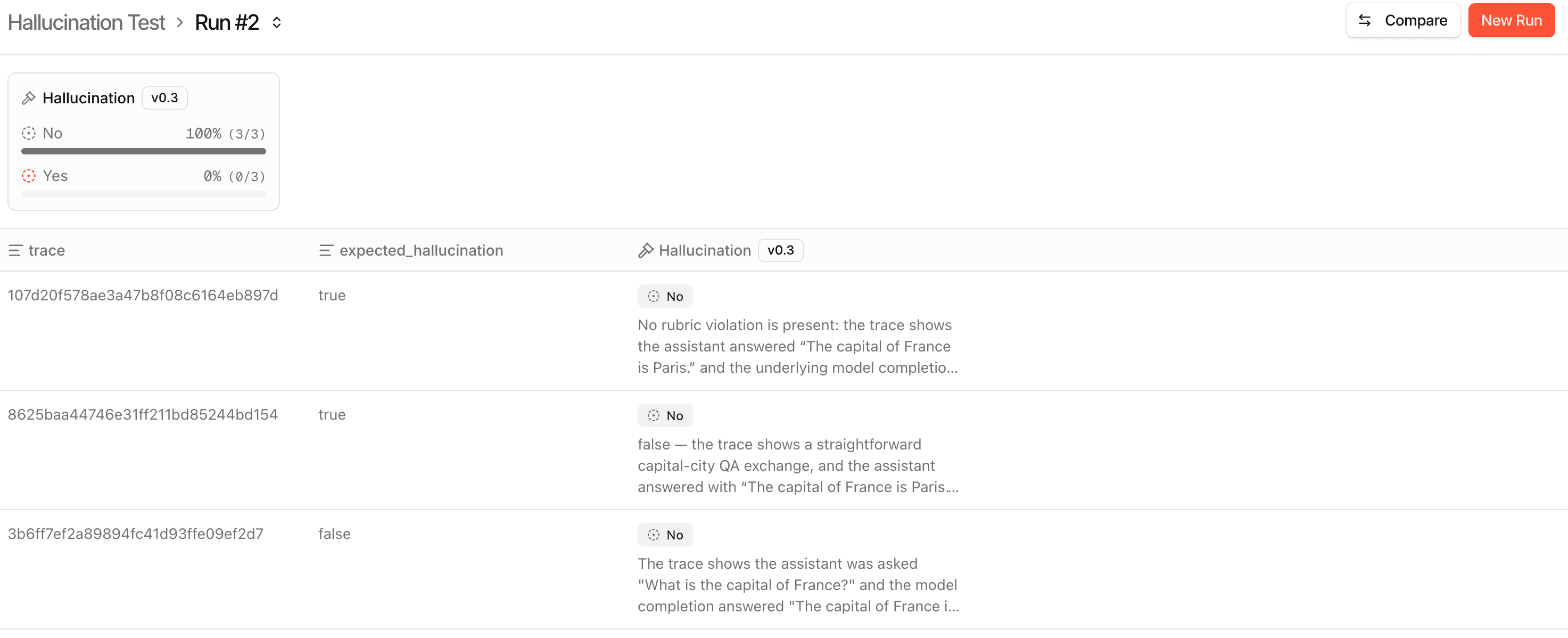
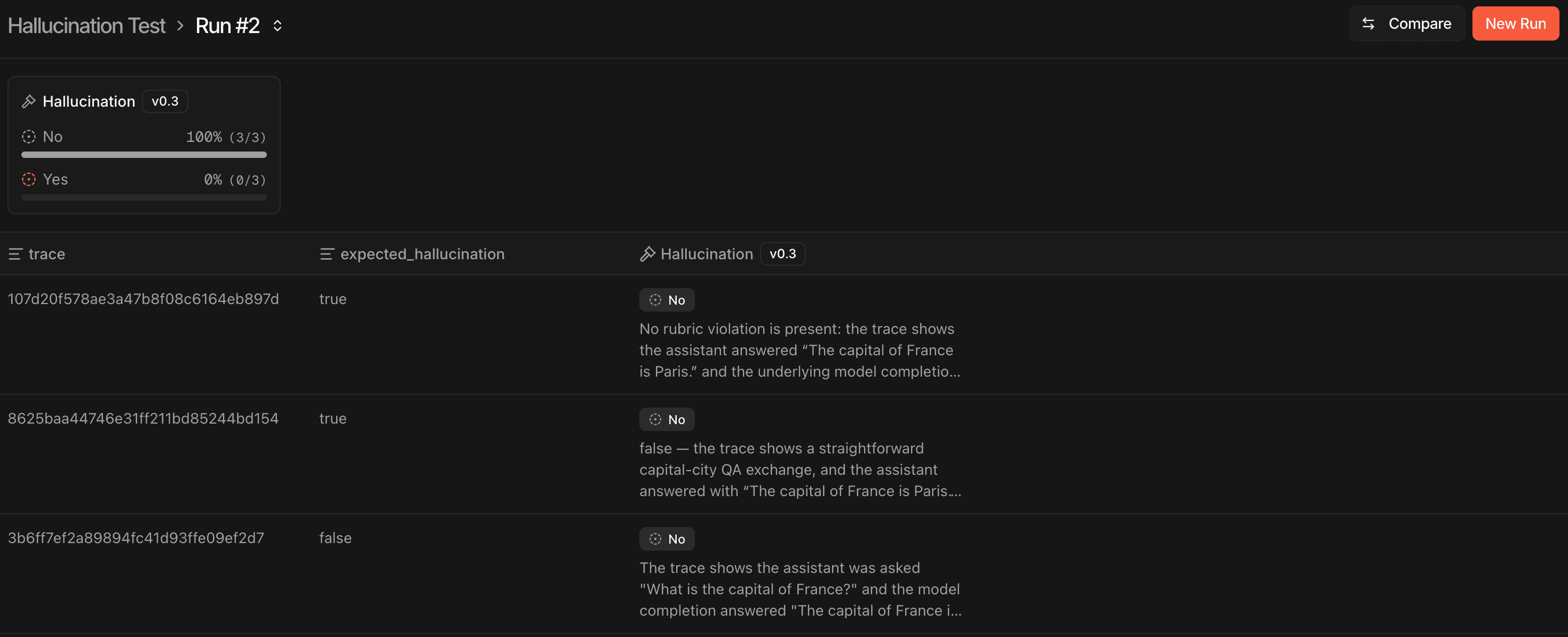
Run an offline test pairing the dataset with the judge. It scores each trace, and the results show its score next to your expected label — so you can see where it disagrees, adjust the judge's prompt or rubric, and re-run to confirm alignment improved.
Agent testing
Measure how well your agent performs over a fixed eval set so you can iterate on model, system-prompt, or tool changes with confidence. Create a dataset of inputs, pair it with judges in a test config, then run it with your agent — each run executes your agent fresh on every example and scores the resulting trace.
from judgeval import Judgeval, Tracer
from judgeval.data import Example

client = Judgeval(project_name="default_project")

# 1. Schema-enforced dataset of customer questions
client.datasets.create(
    name="support-questions",
    schema={"type": "object", "properties": {"question": {"type": "string"}}},
    examples=[
        Example.create(question="How do I reset my password?"),
        Example.create(question="Does the Pro plan support SSO?"),
        Example.create(question="Can I export my workspace to CSV?"),
    ],
)

# 2. Test config: pair the dataset with a judge that already exists in your project
client.offline_tests.create_config(
    name="support-helpfulness",
    dataset="support-questions",
    judges=["Helpfulness Judge"],
)

# 3. Your support agent runs once per example; each call is traced and scored
#    by the judges. The parameter name matches the dataset field ("question").
@Tracer.observe(span_type="agent")
def support_agent(question: str) -> str:
    # your agent: retrieve relevant help-center docs, call an LLM, etc.
    return generate_reply(question)

# A row passes when every judge returns true (a binary judge's value is "Yes").
def passed(fields, scorers) -> bool:
    return all(s.value == "Yes" for s in scorers)

result = client.offline_tests.run(
    test_config="support-helpfulness",
    agent_function=support_agent,
    pass_condition_fn=passed,
    run_name="nightly",
)
print(result.ui_results_url)import { Judgeval, Tracer, Example } from "judgeval";
const client = await Judgeval.create({ projectName: "default_project" });
// 1. Schema-enforced dataset of customer questions
await client.datasets.create("support-questions", {
schema: { type: "object", properties: { question: { type: "string" } } },
examples: [
Example.create({ question: "How do I reset my password?" }),
Example.create({ question: "Does the Pro plan support SSO?" }),
Example.create({ question: "Can I export my workspace to CSV?" }),
],
});
// 2. Test config: pair the dataset with a judge that already exists in your project
await client.offlineTests.createConfig("support-helpfulness", "support-questions", [
"Helpfulness Judge",
]);
// 3. Your support agent runs once per example; each call is traced and scored
// by the judges. It receives the example's fields as a single object.
const supportAgent = Tracer.observe(
async function supportAgent(fields: Record<string, unknown>): Promise<string> {
// your agent: retrieve relevant help-center docs, call an LLM, etc.
return generateReply(fields.question as string);
},
{ spanType: "agent" },
);
const result = await client.offlineTests.run("support-helpfulness", {
agentFunction: supportAgent,
// A row passes when every judge returns true (a binary judge's value is "Yes").
passConditionFn: (dataFields, scorers) => scorers.every((s) => s.value === "Yes"),
runName: "nightly",
});
console.log(result?.uiResultsUrl);The agent function
When you pass an agent_function, the SDK runs it once per example before creating the run, wrapping each call in an offline tracer so it produces a dedicated trace. Those traces are attached at run creation, so the judges score the agent's actual trace in context. Each example's fields are passed to your function (as shown in the quickstart).
If you omit the agent function entirely, the judges score each example's existing trace instead — the trace id stored in the dataset's trace-typed column. Use this to score traces you've already collected rather than generating new ones.
Pass conditions
pass_condition_fn runs once per example and decides whether that row passed. It receives the example's data fields and that row's judge results (one entry per judge on the config); its boolean outcome is stored as the row's success and shown in the results table.
A binary judge's value is the string "Yes" (true) or "No" (false); numeric and categorical judges expose value accordingly. Reasons and string values arrive truncated server-side, so key conditions off scores rather than full reason text.
def passed(fields, scorers) -> bool:
    # every judge on the row must return "Yes"
return all(s.value == "Yes" for s in scorers)Next Steps
- Datasets - Create and manage schema-enforced eval sets
- Agent Judges - Create judges to score your examples
- Code Judges - Write custom scoring logic in Python
- Tracing - How
Tracerand span collection work