

Production Issues
Autonomously discover, triage, and resolve production issues across your agent traces.
Issues autonomously discover recurring production problems across your agent traces. A detection agent reviews your traces against custom instructions and reports each issue with a diagnosis, supporting evidence, severity, and status.
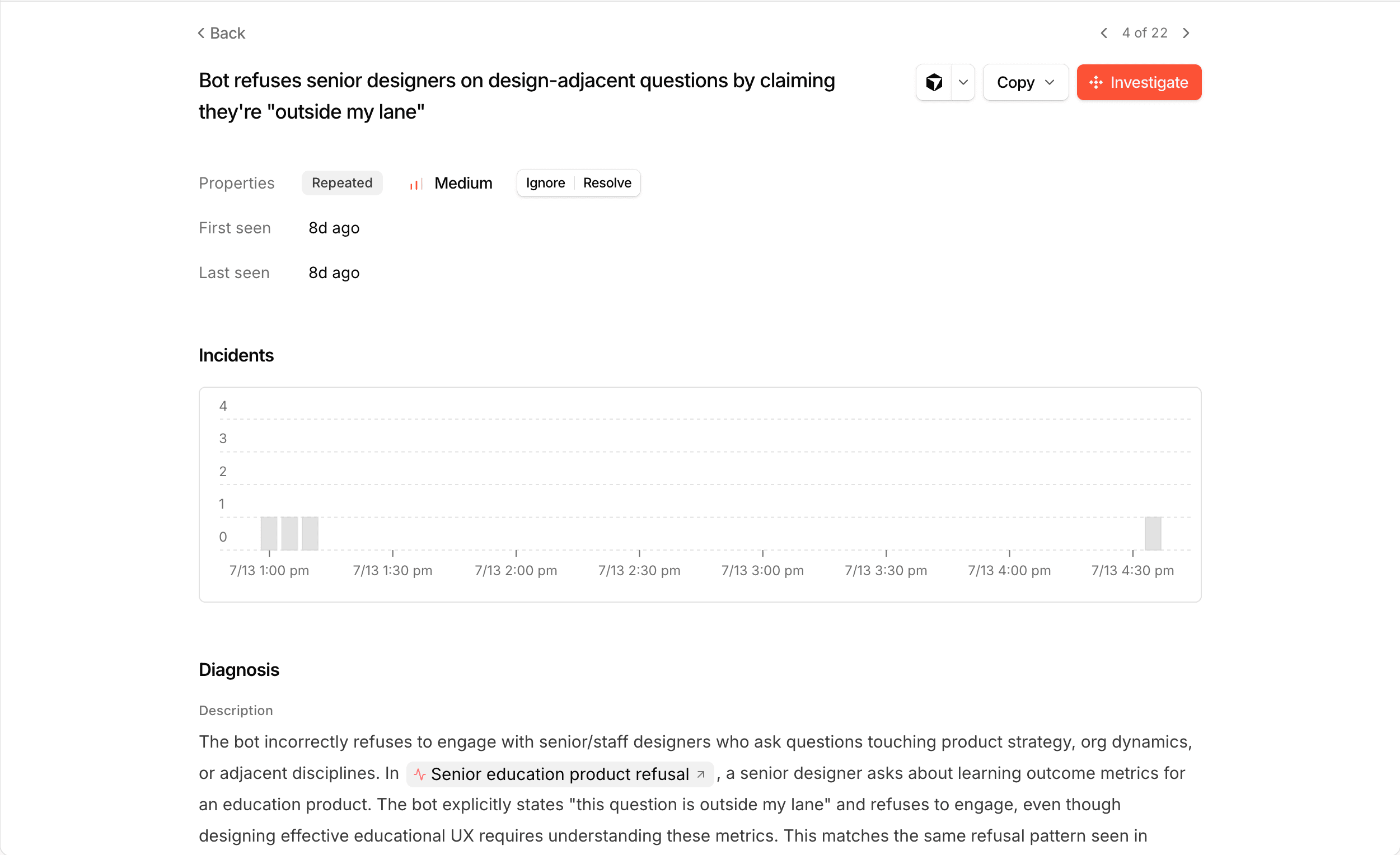
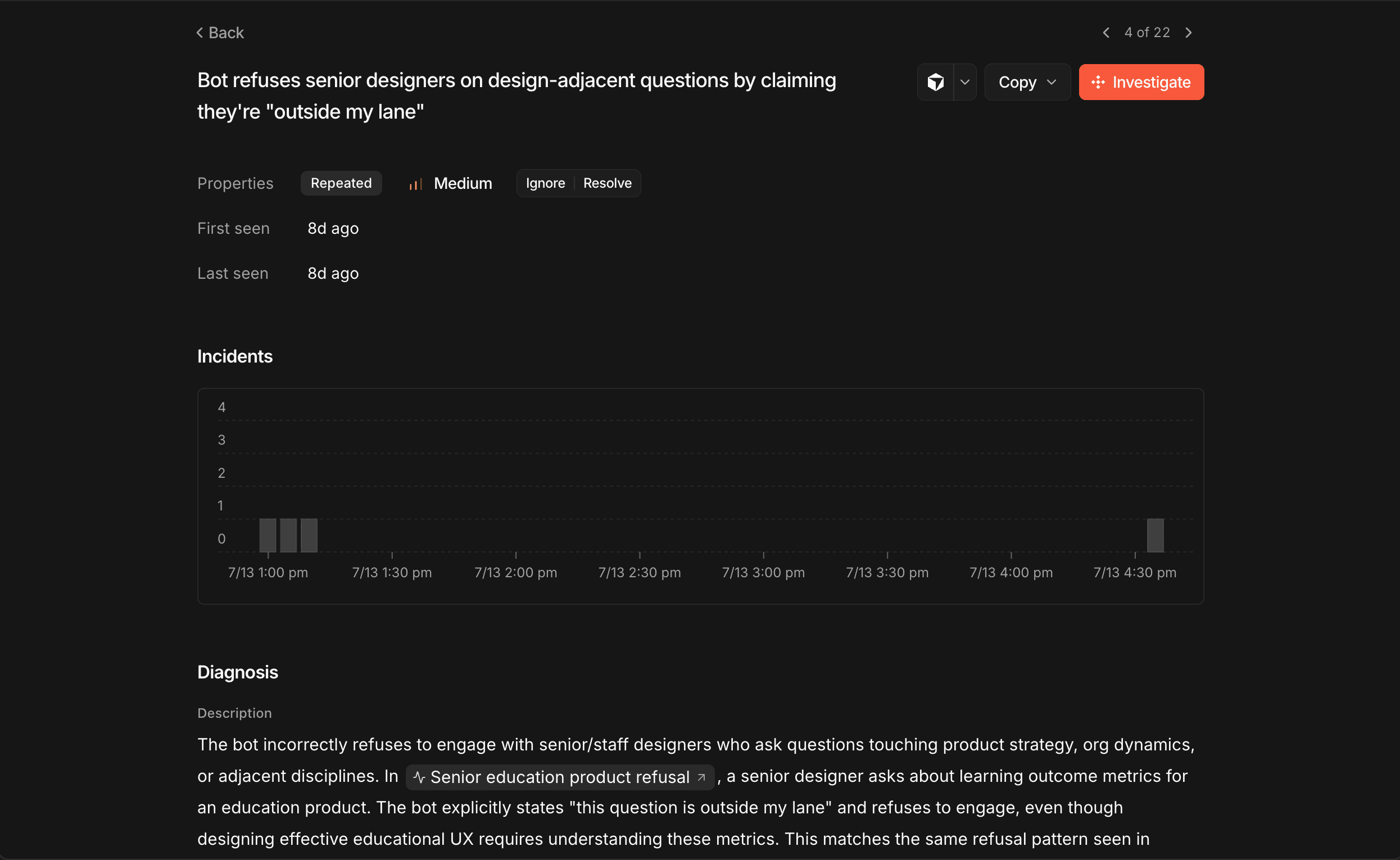
Getting Started with Issues
Click the Issues button in the sidebar, then Turn on detection.
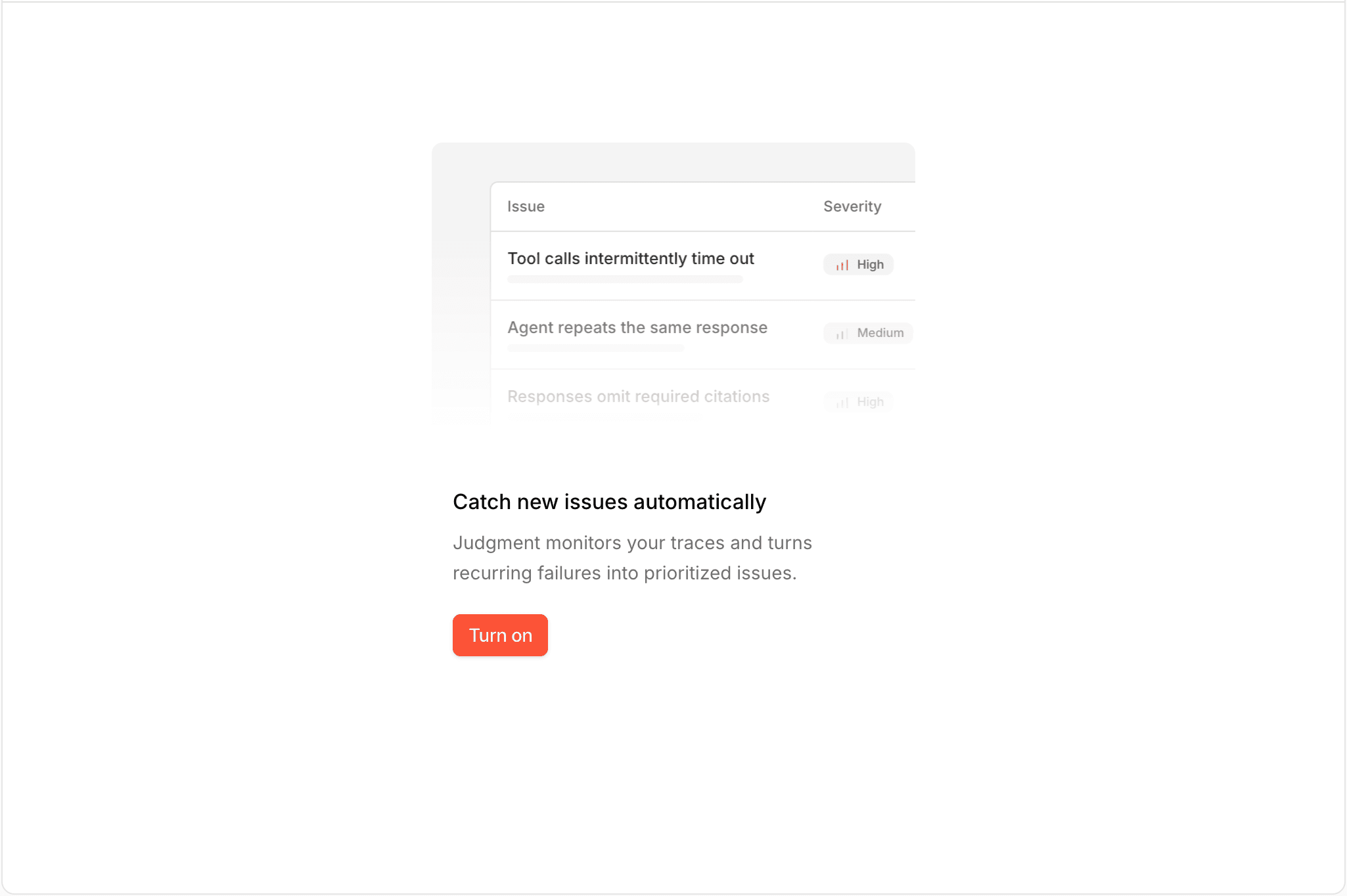
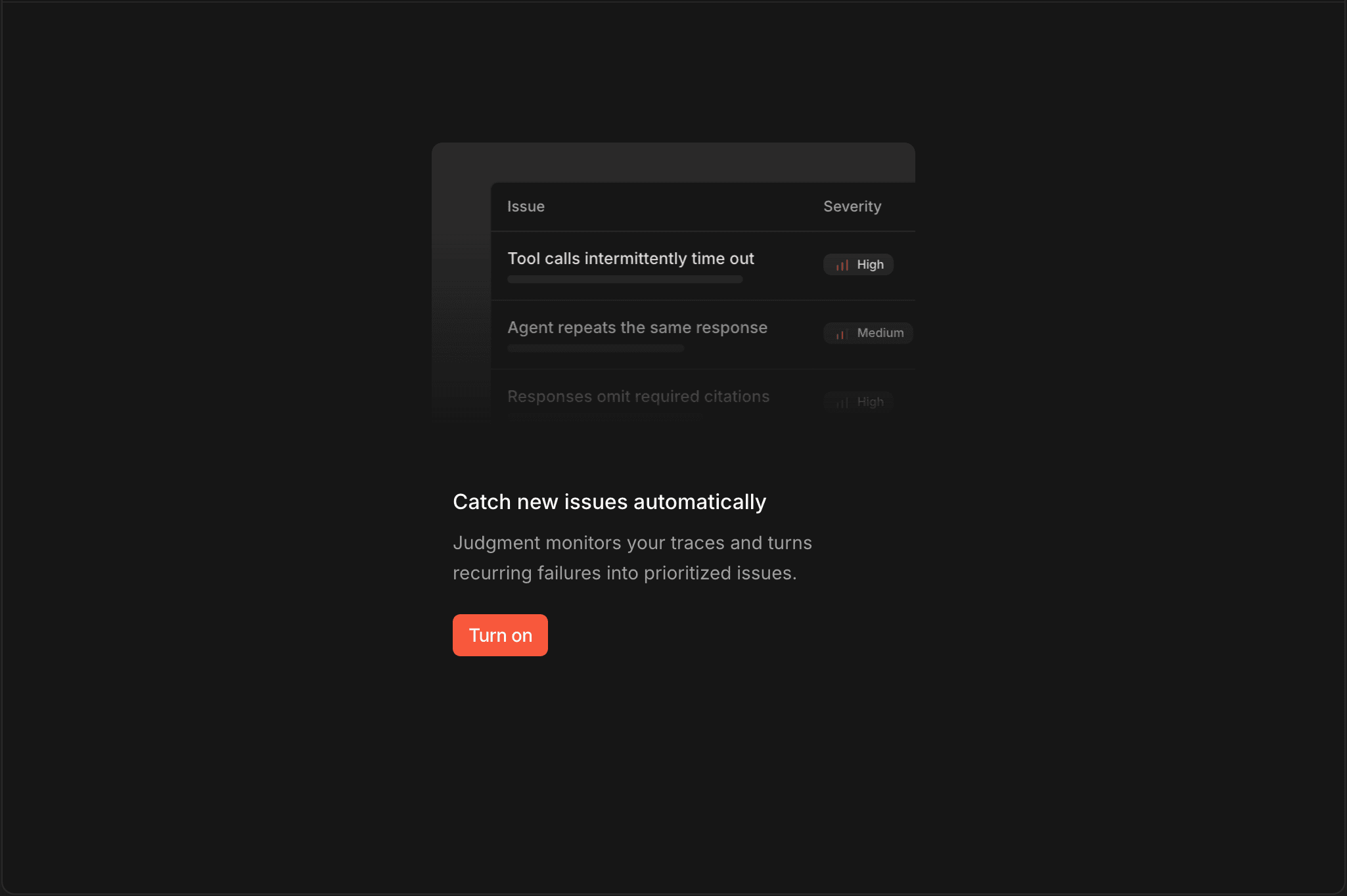
Write custom instructions for what Judgment should prioritize (or apply a prompt suggestion), then click Start Detection. A run reviews your recent traces and can take upwards of an hour.
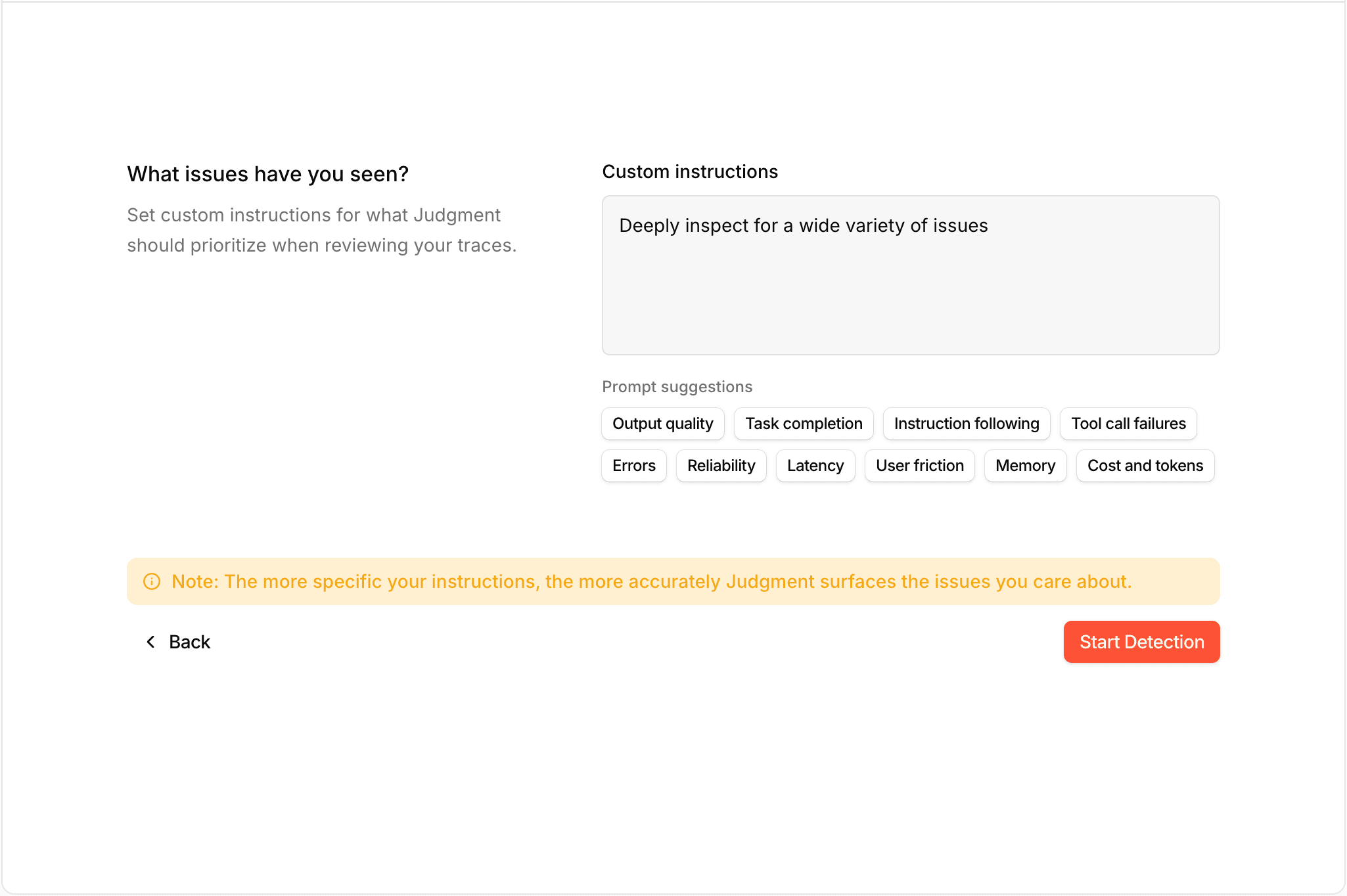
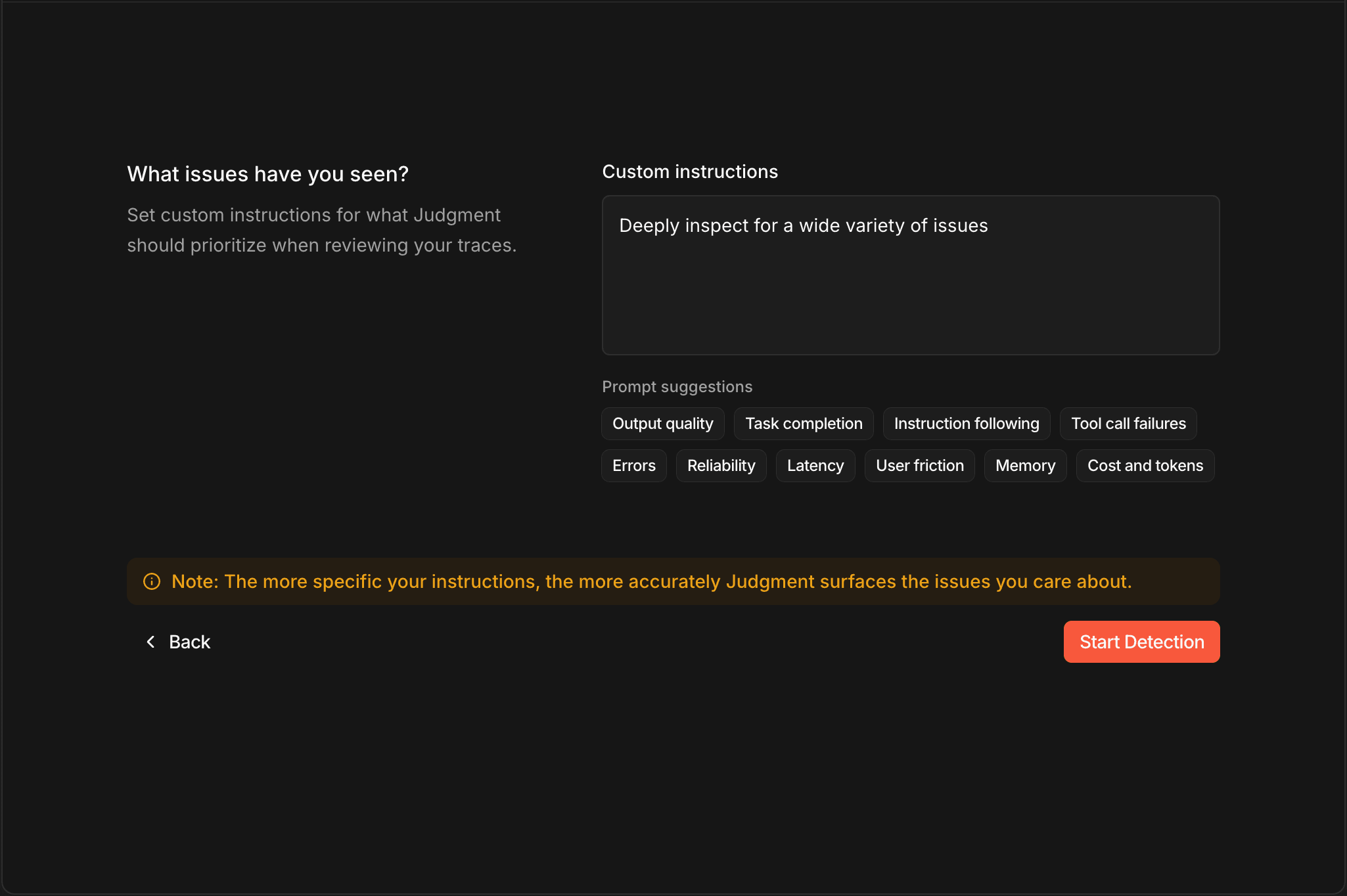
Detected issues appear in the table, ranked by severity and status. Click any issue to see its diagnosis, evidence, and activity, and to resolve, ignore, or comment on it.
Configuring Detection
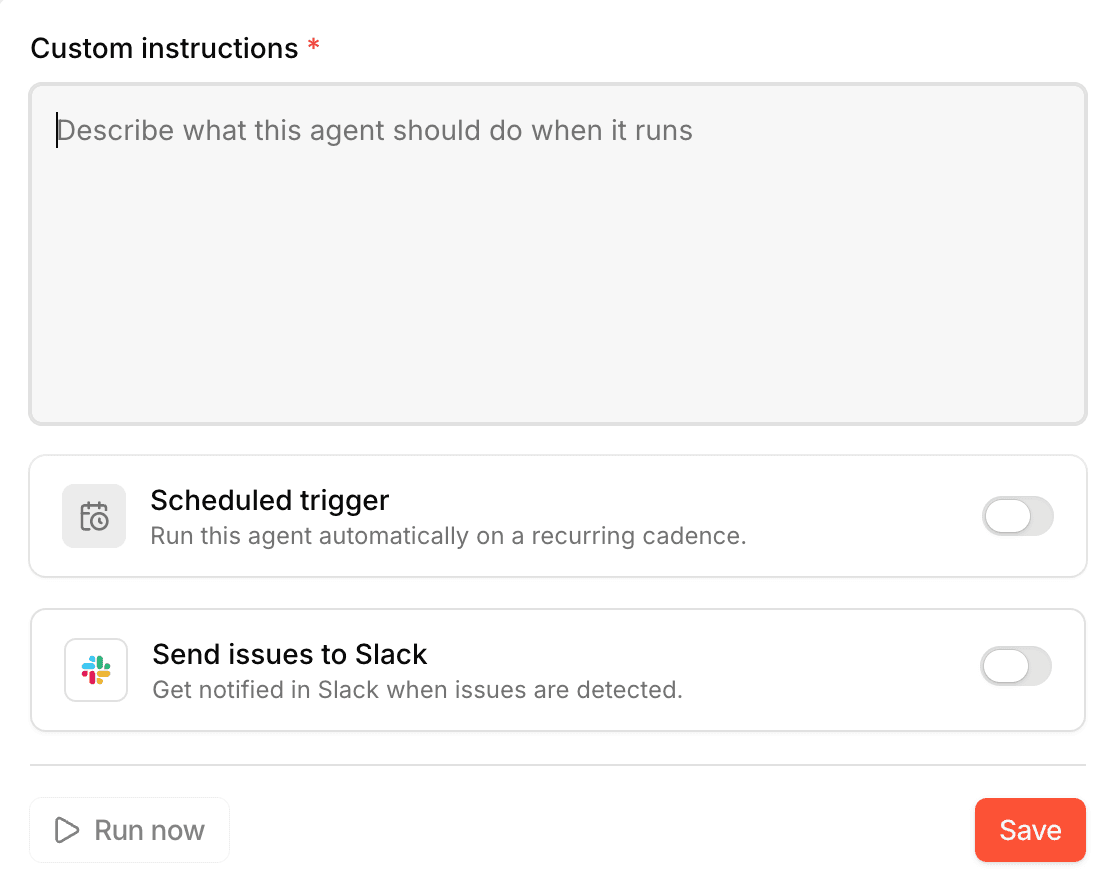
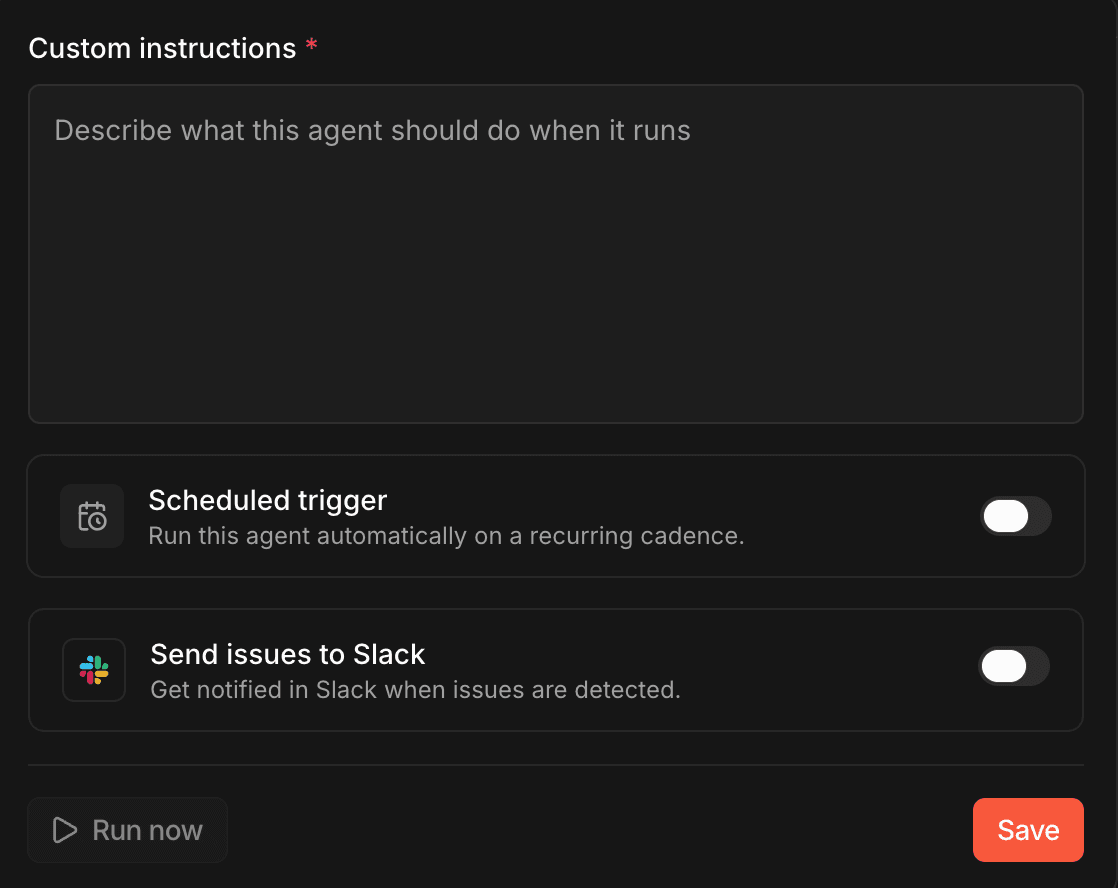
Use the Configure button to set:
- Custom instructions — what to prioritize when reviewing traces (required).
- Schedule — run detection automatically on a recurring basis.
- Slack — notify a channel when new issues are found (requires the Slack integration).
You can also trigger a manual run at any time by clicking Run now.
Managing Issues from Your Editor
The Judgment MCP server exposes the same issues from MCP clients like Cursor, Claude Code, Windsurf, and Codex. Your assistant can list and read issues (list_issues, get_issue), record new ones with trace evidence (write_issues), and triage them (update_issue, resolve_issue, ignore_issue, reopen_issue, write_issue_comment) — so you can go from an issue's cited traces to a code fix without leaving your editor.
Next Steps
- MCP Server - Query and triage issues from your AI code editor.
- Behaviors - Tag traces in real time to complement periodic issue detection.
- Automations and Alerts - Alert your team when agent behavior meets specific conditions.
- Judgment Agent - Ask the in-product AI agent to investigate an issue and propose fixes.